AI TOOL PROFILE
Cubent AI Code Assistant

- Software Development
- AI Code Assistant
- Individual software developers
- Engineering teams
- Software companies
- Enterprise development teams requiring on-premise AI
Pricing
Cubent offers a free tier for basic use and a BYOK plan at $5 per month with a 7-day free trial. Pro and Team tiers are listed as coming soon.
At a glance
- Best for
- Individual software developers, Engineering teams, Software companies, Enterprise development teams requiring on-premise AI
- Key use cases
- Project Bootstrapping, Code Refactoring, Test Generation, Deployment Configuration, Bug Fixing
- Integrations
- GitHub, GitLab, Docker, PostgreSQL, MySQL
- Official website
- Visit Cubent official website
How AI is used
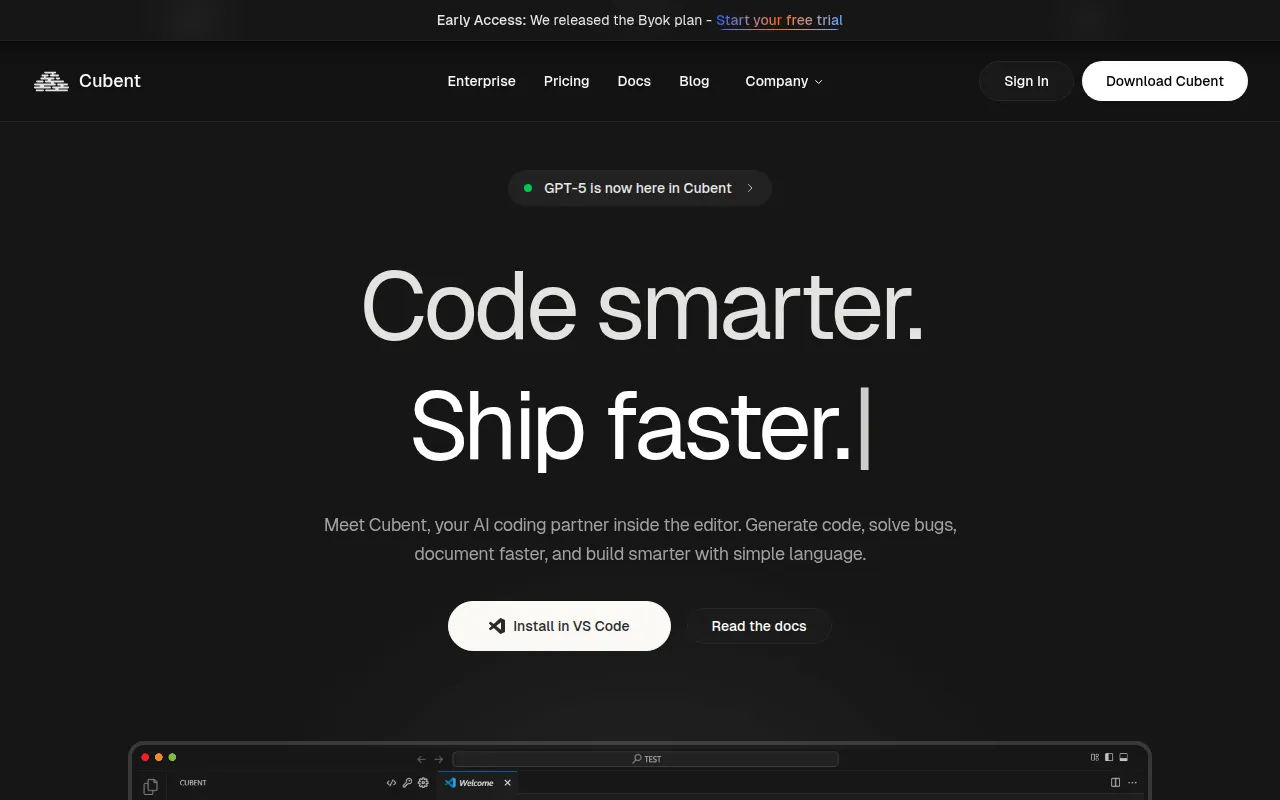
Cubent is an AI coding assistant for software engineers. It functions as an agentic platform that integrates into the editor to help with development tasks such as generating code, fixing bugs, and creating technical documentation.
The tool is designed for individual developers, engineering teams, and enterprises. It supports multiple programming languages, including JavaScript, Python, and Rust, and allows users to connect their own API keys from various model providers.
Cubent uses a local-first design intended to keep project data secure by not training on user code. Enterprise versions support on-premise or AWS deployment to help meet security and compliance requirements.
Buyers should confirm if the current BYOK (Bring Your Own Key) pricing model aligns with their needs, as Pro and Team tiers are listed as coming soon.
Key Features
Multi-Model Support
Supports connection and switching between providers such as OpenAI, Anthropic, Google, Cohere, Mistral, and OpenRouter.
Agent Mode
An autonomous mode designed to help handle complex coding tasks.
Local-First Design
A design approach where the tool does not train on user code.
Terminal Integration
Supports running commands and analyzing output to help with fixes directly in the terminal.
Codebase Analysis
Analyzes repositories, databases, and files to provide context-aware suggestions.
Autocomplete Predictions
Drafts code suggestions in real time that the developer can accept, tweak, or skip.
Use Cases
Project Bootstrapping
Supports the initial setup of boilerplate code, CI/CD pipelines, and basic documentation.
Code Refactoring
Assists with splitting crates into modules or rewriting legacy code sections.
Test Generation
Helps developers write test cases to cover various edge cases.
Deployment Configuration
Supports the creation and debugging of Docker and Kubernetes deployment configs.
Bug Fixing
Analyzes failing tests to help narrow down root causes and suggest fixes.
Integrations
- GitHub
- GitLab
- Docker
- PostgreSQL
- MySQL
- VS Code
FAQ
Does Cubent train its AI on my private code?
- No, Cubent uses a local-first design and states that it never trains on user code.
Which AI models does Cubent support?
- Cubent supports multiple providers including OpenAI, Anthropic, Google, Cohere, Mistral, and OpenRouter.
Is there a free version of Cubent?
- Yes, there is a free tier available for basic use, including the VS Code extension.
Can Cubent be deployed on-premise for enterprises?
- Yes, the Enterprise version supports on-premise and AWS deployment for increased security and customization.
Source category: Software Development
Source subcategory: AI Code Assistant
More tools in Software Development
Other published listings in the Software Development category.


More tools in the AI Code Assistant software type
Related listings that share the same software type for comparison and shortlisting.


