AI TOOL PROFILE
ContractWorks Review: Contract Lifecycle Management Software

- Legal
- Contract Lifecycle Management
- Legal Operations teams
- General Counsel
- Contract Managers
- Legal departments
Pricing
Pricing is available in Standard and Premium plans, both offering unlimited users. Standard plans start with 1,500 documents stored, while Premium plans start with 10,000 documents. Free trials are available.
At a glance
- Best for
- Legal Operations teams, General Counsel, Contract Managers, Legal departments
- Key use cases
- Contract Repository Management, Automated Obligation Tracking, Digital Drafting and Approval, Legacy Document Digitization
- Integrations
- CRM integration, ERP integration, Reporting tool integration
- Official website
- Visit contractworks official website
How AI is used
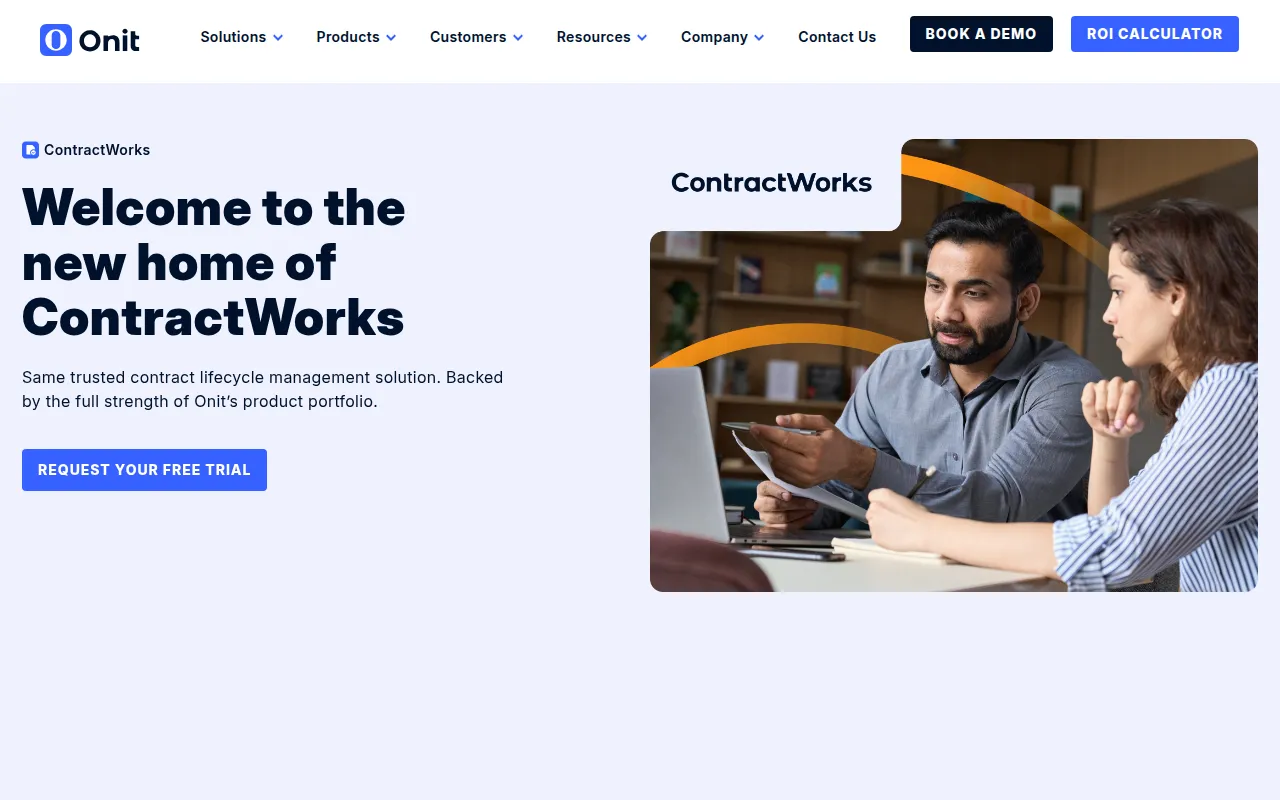
ContractWorks is a contract lifecycle management (CLM) platform designed to move the contracting process into a digital workflow. It provides a secure central repository where teams can store agreements and manage the drafting process using pre-approved templates and side-by-side editing tools.
The tool is designed for legal professionals, including General Counsel and Contract Managers, as well as legal operations teams. It supports the contract lifecycle from the initial draft through conditional approval workflows and execution via built-in eSignatures.
AI capabilities are included to extract data and auto-tag key dates and obligations, which may help businesses maintain visibility over their commitments and reduce the risk of missed renewals.
Buyers should confirm document volume needs when selecting a plan, as storage limits differ between the Standard and Premium tiers. Users may also verify if the available API supports the specific CRM or ERP connections their business requires.
Key Features
Secure Central Repository
A centralized storage system with granular user permissions to keep contract data organized and accessible.
AI-Driven Contract Extraction
Tags key dates, obligations, and governing terms from new and legacy documents.
Built-in eSignatures
Integrated electronic signature capabilities to execute contracts within the platform.
Conditional Approval Workflows
Workflows designed to route contracts through the necessary approval stages.
Side-by-Side Editing
Supports collaboration and redlining with version history and clause libraries.
Dashboards
Provides visibility into contract status through real time dashboards, audit trails, and date notifications.
Use Cases
Contract Repository Management
Storing agreements in a SOC 2 Type 2-certified location for retrieval and auditing.
Automated Obligation Tracking
Using AI to identify and tag renewal dates and specific obligations.
Digital Drafting and Approval
Creating agreements from templates and routing them through internal approval chains before signing.
Legacy Document Digitization
Bulk uploading existing contracts and using AI-native tagging to organize legacy data.
Integrations
- CRM integration
- ERP integration
- Reporting tool integration
FAQ
How does ContractWorks handle user pricing?
- ContractWorks provides unlimited users in both its Standard and Premium plans.
What AI features are included in the platform?
- The platform offers AI-native auto-tagging and extraction for key dates, obligations, and governing terms for new and legacy documents.
Is ContractWorks secure for legal documents?
- The software is SOC 2 Type 2 certified and uses granular permission controls.
Source category: Legal
Source subcategory: Contract Lifecycle Management
More tools in Legal
Other published listings in the Legal category.


More tools in the Contract Lifecycle Management software type
Related listings that share the same software type for comparison and shortlisting.

Browse all Contract Lifecycle Management software type tools