AI TOOL PROFILE
CloudBudget: Budgeting Software for Salesforce

- Finance and Accounting
- Financial Planning
- Salesforce users
- Finance administrators
- Nonprofit organizations
- Mid-market finance teams
Pricing
Pricing starts at $25 per user per month for the Express plan, with Pro and Nonprofit plans ranging from $50 to $60 per user per month. A minimum of five seats is required.
At a glance
- Best for
- Salesforce users, Finance administrators, Nonprofit organizations, Mid-market finance teams
- Key use cases
- Budget vs Actual Analysis, Nonprofit Grant Management, Departmental Budgeting, Financial Forecasting
- Integrations
- Salesforce, Accounting Seed, Certinia, GoldFinch, Excel import
- Official website
- Visit cloudbudget official website
How AI is used
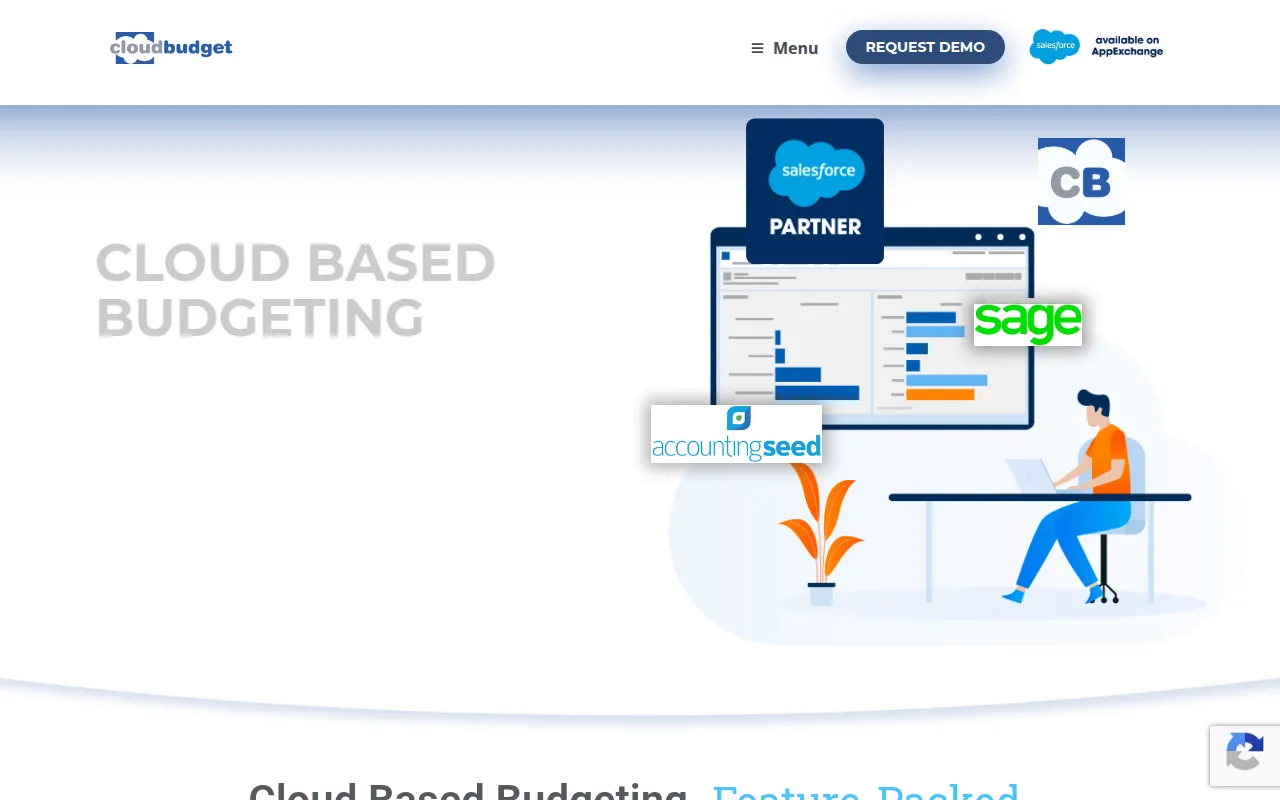
CloudBudget is a budgeting tool designed to replace spreadsheet-based planning. It operates as a native application on the Salesforce Lightning Platform, allowing users to manage financial resources, create forecasts, and track budget performance in one location.
The software is designed for finance professionals, nonprofits, and business administrators who require a structured way to handle allocations and reporting. It supports top-down and bottom-up planning and can synchronize spending data via accounting system integrations.
Buyers should note that this tool requires a Salesforce license for every user in addition to the CloudBudget license. Implementation periods typically range from 4 to 10 weeks.
Key Features
Planned vs Actuals
Supports real time comparison of budgeted amounts against actual spending to help with course corrections.
AI Copilot
Supports the use of natural language commands to manage budget lines, clone budgets, or handle analytical requests.
Rolling Forecasts
Provides the ability to update financial plans as conditions change throughout the year.
Excel Mirror
Supports exporting budget data to a spreadsheet for editing and importing changes back into the platform.
Multi-Currency Support
Supports budgeting across different currencies for organizations with global operations.
Role-Based Access
Includes sharing rules and approval workflows to manage who can view or edit specific budget data.
Use Cases
Budget vs Actual Analysis
Finance administrators may sync accounting data to compare real time spending against original projections.
Nonprofit Grant Management
Nonprofits can allocate expenses across various funding sources, grants, or programs.
Departmental Budgeting
Organizations can create budget structures for different departments and cost centers.
Financial Forecasting
Finance teams can use rolling forecasts and prior-year actuals to build current period budgets.
Integrations
- Salesforce
- Accounting Seed
- Certinia
- GoldFinch
- Excel import
- Excel export
FAQ
Does CloudBudget require Salesforce?
- Yes, CloudBudget is built on the Salesforce Lightning Platform. Every user must have both a Salesforce license and a CloudBudget license.
What is the minimum cost to start using CloudBudget?
- The Express plan starts at $25 per user per month, and there is a minimum requirement of five seats.
How long does it take to set up CloudBudget?
- Typical implementations generally take between 4 and 10 weeks, depending on the project's complexity.
Can I still use Excel with CloudBudget?
- Yes, the Excel Mirror feature allows users to export data to a spreadsheet, make edits, and then import those changes back into the system.
Source category: Finance & Accounting
Source subcategory: Financial Planning
More tools in Finance & Accounting
Other published listings in the Finance & Accounting category.


More tools in the Financial Planning software type
Related listings that share the same software type for comparison and shortlisting.