AI TOOL PROFILE
Saywhat Review: LinkedIn Growth and Content Platform

- Marketing
- Social Media Management
- Entrepreneurs
- LinkedIn Creators
- B2B Marketers
- Business Professionals
Pricing
Monthly plans range from $47.99 to $239.99. A 7-day free trial is available.
At a glance
- Best for
- Entrepreneurs, LinkedIn Creators, B2B Marketers, Business Professionals
- Key use cases
- Personal Brand Development, Content Ideation and Research, Community Engagement, Lead Generation
- Official website
- Visit Saywhat tools official website
How AI is used
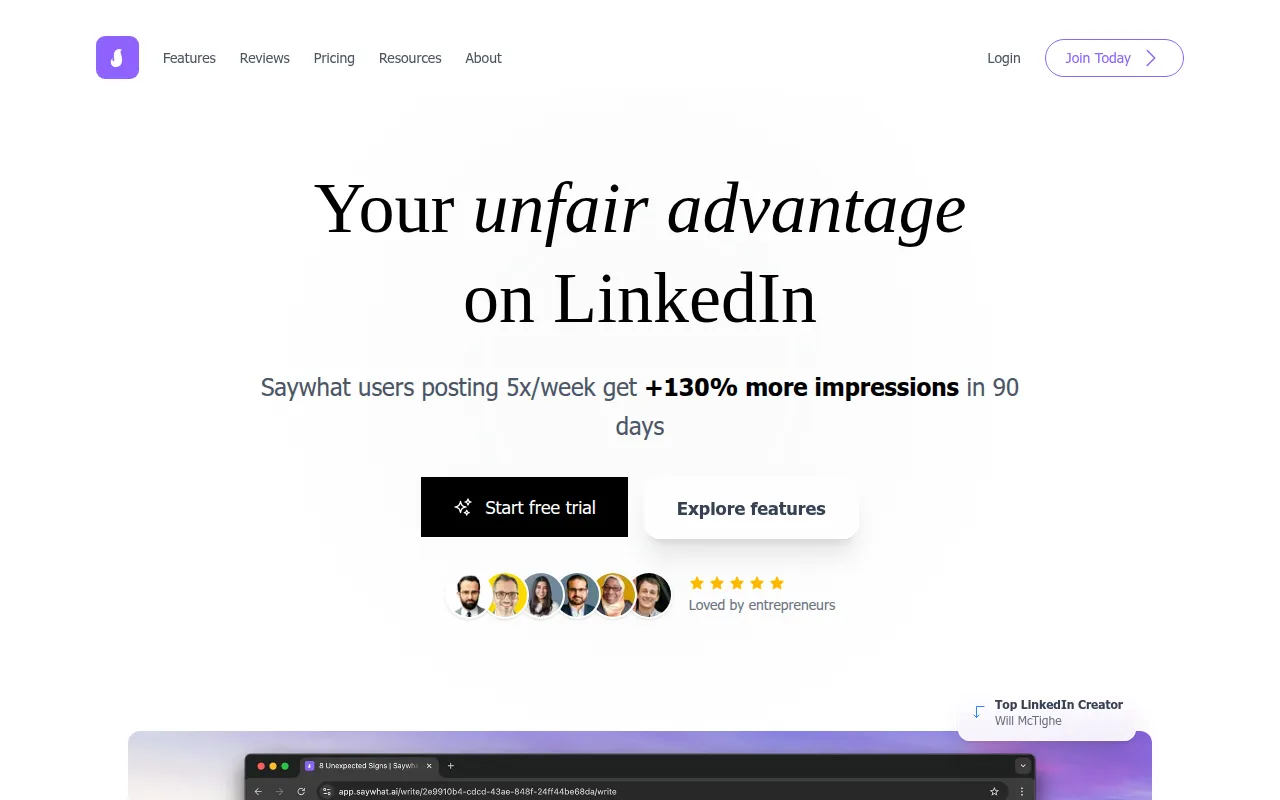
Saywhat is a platform designed to help users manage their presence on LinkedIn through AI-assisted writing and data tracking. It combines content ideation, voice-matched drafting, and a unified inbox for managing community interactions.
The tool is designed for LinkedIn creators, business owners, and marketers who want a systematic approach to lead generation. It supports the process of identifying engaged followers to help turn profile views into business opportunities.
Buyers should note that the platform is intended for those who can maintain a consistent posting rhythm, typically 3-5 times per week. The tool focuses on human-led engagement and content rather than fully automated posting.
Key Features
AI Writing Assistant
A content generator that analyzes a user's unique voice and style to draft posts based on rough ideas or voice memos.
Content Inspiration Database
A searchable library of high-performing LinkedIn posts to help users identify proven content formats.
LinkedIn Analytics Tool
Provides performance metrics and historical data to help identify winning topics and formats.
Streamlined Commenting
A unified feed that organizes comments and notifications in one place, with AI-supported response suggestions.
Lead Tracking
Tools to help identify and qualify potential customers based on their engagement with content.
Post Formatter
A styling tool that allows users to add bold, italic, and underline formatting to LinkedIn posts.
Use Cases
Personal Brand Development
Using voice-matched AI to share expertise and build authority in a professional niche.
Content Ideation and Research
Searching the database to find trending topics and adapting proven formats for a specific industry.
Community Engagement
Managing profile comments and interactions from a single feed to maintain relationships with followers.
Lead Generation
Identifying engaged users through analytics to start business conversations.
FAQ
How does Saywhat differ from standard AI writers?
- It uses a custom model designed to learn the user's unique voice and scans past posts to help maintain an authentic style.
Does the platform provide analytics beyond what LinkedIn offers?
- Yes, it provides historical data and side-by-side post comparisons, whereas LinkedIn typically limits data to 30 days.
Which plan should I choose based on my needs?
- The Standard plan starts at $47.99/month for basic needs, while the Executive+ plan at $239.99/month is for those with higher post volumes and priority support needs.
Source category: Marketing
Source subcategory: Social Media Management
More tools in Marketing
Other published listings in the Marketing category.


More tools in the Social Media Management software type
Related listings that share the same software type for comparison and shortlisting.


