AI TOOL PROFILE
ReRender AI: Architectural Rendering Software

- Construction
- Image Generation
- Architecture Firms
- Interior Designers
- Property Developers
Pricing
Paid pricing plans are offered, and the tool provides a trial option including a limited number of free renders daily.
At a glance
- Best for
- Architecture Firms, Interior Designers, Property Developers
- Key use cases
- Client Presentations, Rapid Design Iterations, Concept Development
- Integrations
- Revit, SketchUp, Rhino
- Official website
- Visit ReRender AI official website
How AI is used
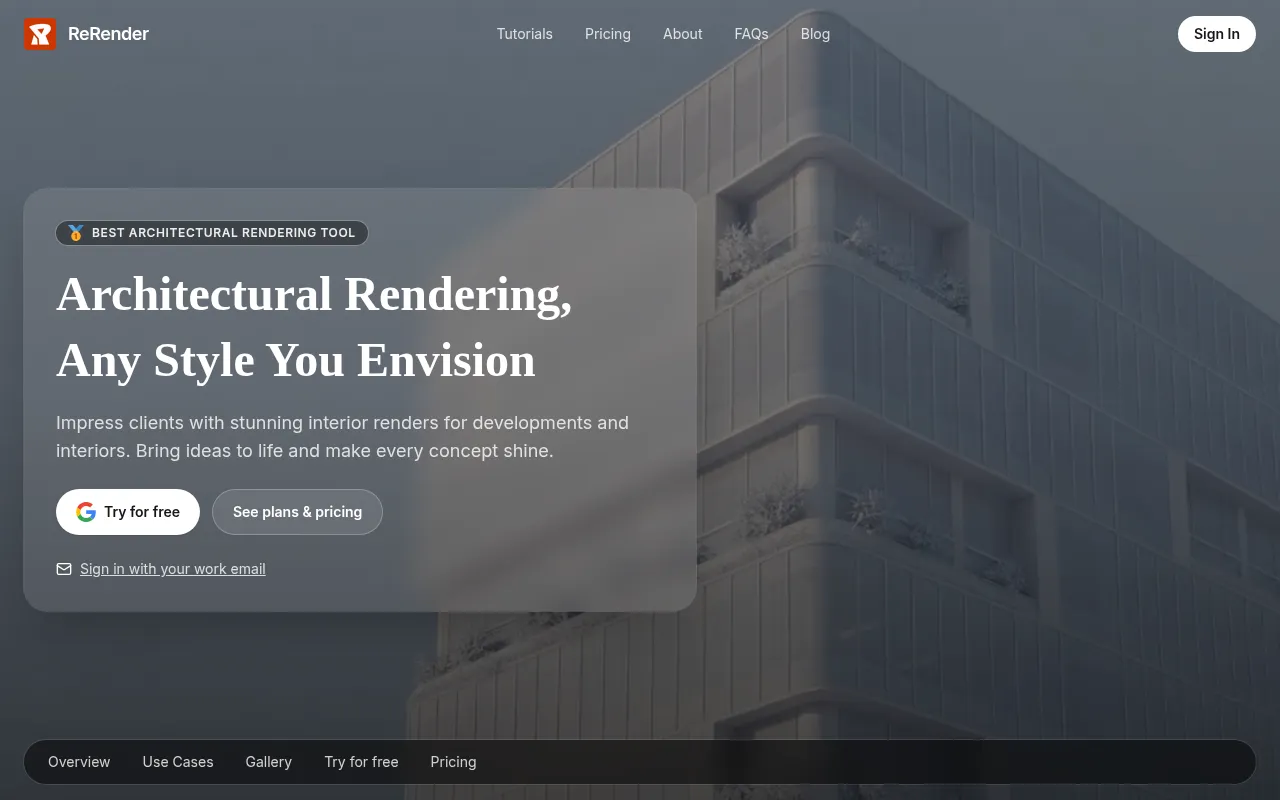
ReRender AI is a rendering platform designed to turn 3D models and sketches into photorealistic images. It supports inputs from common industry software, allowing users to visualize architectural concepts.
The tool is designed for architects, interior designers, and property developers. It provides AI tools to handle both exterior and interior views, as well as options to enhance or upscale images.
Users can work with style references and sketch-to-image conversions to test different visual directions. This may help in the early stages of design when multiple iterations are needed.
Buyers should confirm how the API service fits their specific technical needs if they intend to integrate these rendering capabilities into their own projects or platforms.
Key Features
Exterior and Interior Rendering
Generates photorealistic images for both the outside and inside of architectural developments.
Sketch-to-Image Conversion
Supports turning initial design sketches into rendered visuals.
Image Enhancement and Upscaling
Includes tools to adjust image quality and increase the resolution of renders.
Multi-Angle Rendering
Supports creating renders from different perspectives of a project.
Google Maps Style Designer
A specific design tool for architectural visualization.
API Service
Provides an API for developers to integrate AI rendering into other projects.
Use Cases
Client Presentations
Creating visual representations of architectural projects to help clients visualize the final result.
Rapid Design Iterations
Using AI rendering to visualize different styles or layout changes.
Concept Development
Converting early-stage sketches into realistic images to refine a design concept.
Integrations
- Revit
- SketchUp
- Rhino
FAQ
What software is compatible with ReRender AI?
- ReRender AI is designed to generate visuals from models created in Revit, SketchUp, and Rhino.
Does ReRender AI offer a free trial?
- Yes, a free trial is available, and the software allows for a limited number of free renders daily.
Can it handle both inside and outside of buildings?
- Yes, the tool includes features for both exterior and interior architectural rendering.
Source category: Construction
Source subcategory: Image Generation
More tools in Construction
Other published listings in the Construction category.


More tools in the Image Generation software type
Related listings that share the same software type for comparison and shortlisting.


