AI TOOL PROFILE
ImgExtender: AI Image Extension and Editing Tool

- Marketing
- Image Generation
- Marketing agencies
- Ecommerce store owners
- Content creators
- Freelance designers
Pricing
Freemium model with a free Basic plan. Paid tiers include Starter ($2.49/month), Pro ($4.99/month), and Pro+ ($9.99/month), billed yearly.
At a glance
- Best for
- Marketing agencies, Ecommerce store owners, Content creators, Freelance designers
- Key use cases
- Social Media Reformatting, Ecommerce Visuals, Resolution Enhancement, Presentation Design
- Official website
- Visit ImgExtender official website
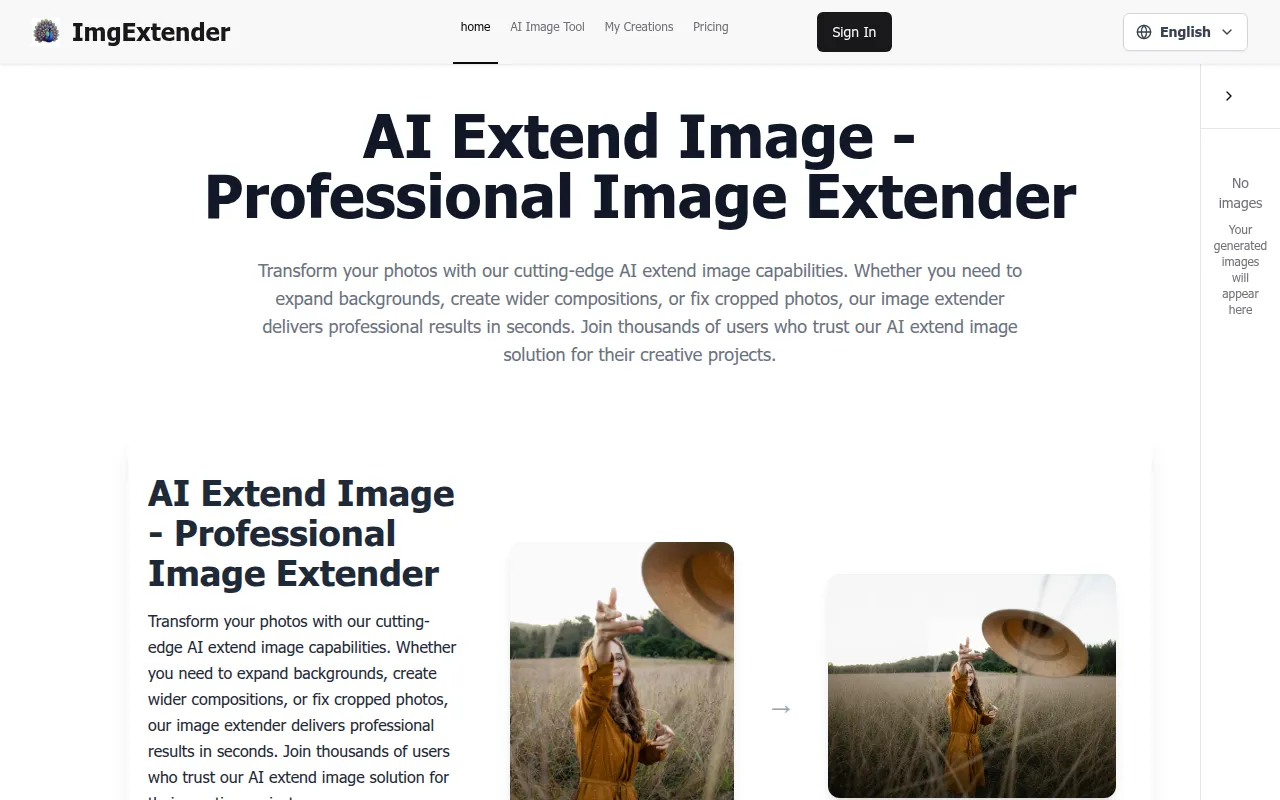
How AI is used
ImgExtender is a browser-based image editing platform with an AI extender that fills in missing areas of a photo to change its composition or aspect ratio. It is designed for users who need to modify images for specific layouts without using complex design software.
The tool supports content creators, ecommerce sellers, and marketing professionals. It supports JPG, PNG, and WebP formats, with a maximum upload limit of 10MB. The platform also includes complementary tools such as an image upscaler and a background remover.
Buyers should note that the service operates on a credit system. While a basic free plan is available, advanced AI features and batch processing are available through paid subscriptions.
Key Features
AI Image Extension
Expands image borders using generative AI to create pixels that match the original lighting and texture.
AI Upscaling
Increases image resolution up to 16x to help restore textures and sharpen details.
Text-to-Image Generation
Generates new images based on written text prompts.
Background Removal
Identifies and removes image backgrounds to isolate subjects.
Image Unblur
Uses AI to help reduce blur and improve the clarity of photos.
Batch Processing
Supports processing multiple files in a single operation for users on paid plans.
Use Cases
Social Media Reformatting
Converting square or landscape photos into vertical formats for stories by extending the top and bottom.
Ecommerce Visuals
Expanding product photography to fit website banners or hero sections without cropping the subject.
Resolution Enhancement
Upscaling low-resolution AI art or old photos for higher-quality digital display.
Presentation Design
Adapting images to fit slide layouts by filling in edges to match the scene.
FAQ
What image formats does ImgExtender support?
- The platform supports JPG, PNG, and WebP formats for uploads and exports.
Is there a free version of ImgExtender?
- Yes, there is a free Basic plan that includes 30 credits and basic editing tools.
How does the credit system work for AI tools?
- Different tools have different costs; for example, the AI Image Extender costs 20 credits per use, while background removal costs 5 credits.
Are images stored on the server?
- Uploaded images are processed and automatically deleted from the servers shortly after generation.
Source category: Marketing
Source subcategory: Image Generation
More tools in Marketing
Other published listings in the Marketing category.


More tools in the Image Generation software type
Related listings that share the same software type for comparison and shortlisting.


