AI TOOL PROFILE
Go Fig: Financial Data Integration for Mid-Market

- Finance and Accounting
- Data Integration
- Mid-market finance teams
- Private equity portfolio managers
- CFOs of manufacturing and logistics companies
- Companies managing three or more disconnected data sources
Pricing
Plans range from a Starter tier at $129/month to a Growth tier at $899/month, with custom Enterprise pricing. Most mid-market companies typically pay between $2,000 and $5,000 per month.
At a glance
- Best for
- Mid-market finance teams, Private equity portfolio managers, CFOs of manufacturing and logistics companies, Companies managing three or more disconnected data sources
- Key use cases
- Automating Financial Reporting, Portfolio Company Oversight, Job Costing, Production Cost Analysis, Lane Profitability Tracking
- Integrations
- NetSuite, QuickBooks, Xero, Zoho Books, Salesforce
- Official website
- Visit Go Fig official website
How AI is used
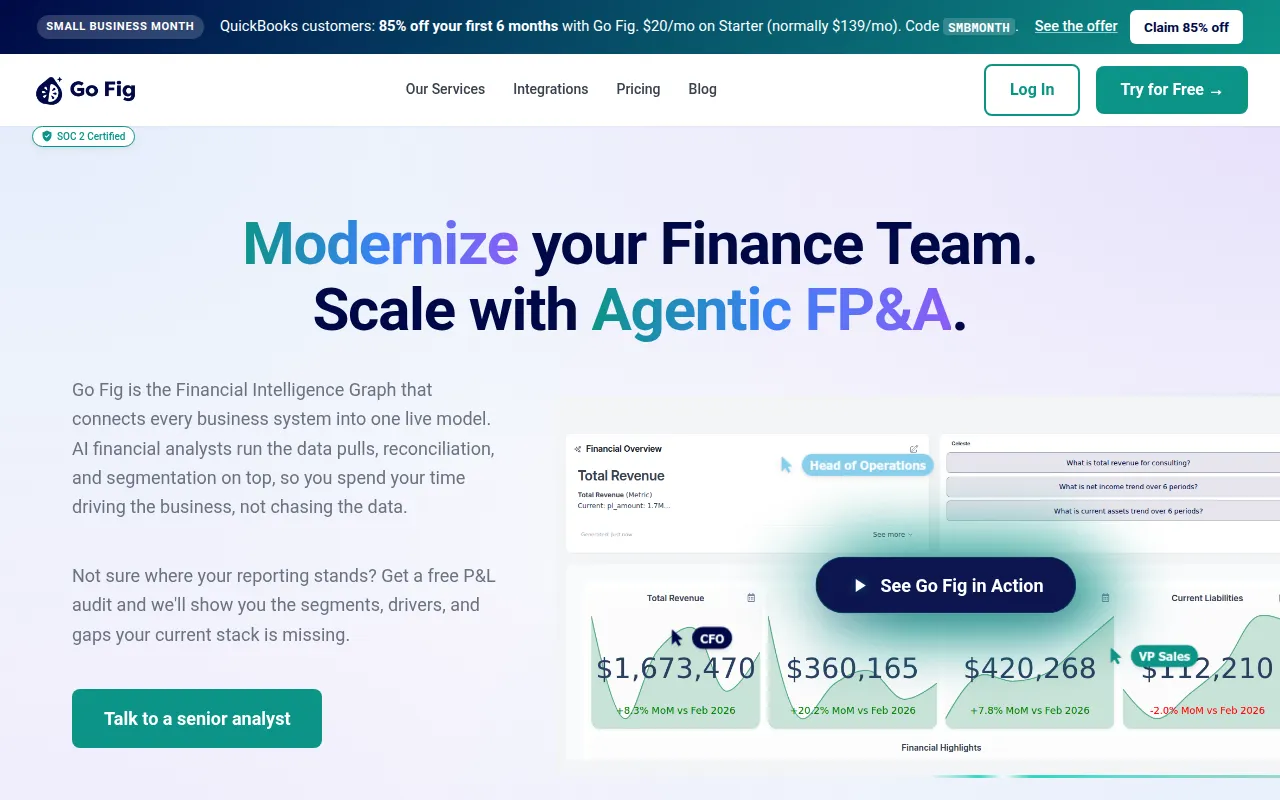
Go Fig is a data centralization platform designed to connect financial data sources—such as ERPs, CRMs, and databases—into a single source of truth. It is built to clean and normalize raw data so that finance teams can access it without manual exports or extensive manual data preparation.
The software is primarily intended for finance leaders and operations managers at mid-market companies, including those in manufacturing, logistics, and private equity. It supports a workflow where data is processed in the platform and then synced into existing Excel spreadsheets, which helps maintain original formulas and formatting.
Beyond synchronization, the tool includes visual data pipelines and an AI analyst named Celeste that answers questions about the data in plain English. Implementation is supported by a white-glove service where the Go Fig team builds the integrations and data transformations.
Buyers should confirm their specific data volume and the number of required integrations, as these factors influence the pricing tier and the number of AI credits provided for the AI analyst features.
Key Features
Bi-directional Excel Sync
Syncs clean data into Excel reports while preserving existing formulas and formatting.
Visual Data Pipelines
Supports building data flows and applying transformations without writing SQL or code.
Celeste AI Analyst
An AI assistant that answers natural language questions about financial data and provides audit trails.
PivotTable Builder
A drag-and-drop tool for filtering and aggregating data before syncing to reports.
Formula Editor
Supports the use of Excel syntax for creating calculated columns.
White-Glove Implementation
The Go Fig team helps build integrations and constructs the semantic layer for the customer.
Use Cases
Automating Financial Reporting
Connecting data from various ERPs and CRMs into one source to support month-end closing.
Portfolio Company Oversight
Unifying data from multiple acquired systems for private equity portfolio visibility.
Job Costing
Connecting accounting, PM tools, and subcontractor invoices to monitor project profitability in construction.
Production Cost Analysis
Integrating ERP and MES data in manufacturing to view production costs.
Lane Profitability Tracking
Combining TMS and WMS data in logistics to analyze cost-to-serve by customer or lane.
Integrations
- NetSuite
- QuickBooks
- Xero
- Zoho Books
- Salesforce
- HubSpot
- Snowflake
- PostgreSQL
- Google Sheets
- Excel
FAQ
Does Go Fig replace my existing ERP?
- No, it connects to your existing ERPs, CRMs, and databases to create a unified data layer without requiring you to replace your current tools.
Can I still use my existing Excel spreadsheets?
- Yes, Go Fig is designed to sync clean data directly into your existing spreadsheets while keeping original formulas and formatting intact.
How is the implementation handled?
- Go Fig provides white-glove implementation where their team helps build the integrations and data transformations.
Is there a free trial available?
- Yes, Go Fig offers a 14-day free trial for users to try the platform with their own data.
Source category: Finance & Accounting
Source subcategory: Data Integration
More tools in Finance & Accounting
Other published listings in the Finance & Accounting category.


More tools in the Data Integration software type
Related listings that share the same software type for comparison and shortlisting.


