AI TOOL PROFILE
Gencraft AI Image Generation and Editing

- Marketing
- Image Generation
- Creatives
- Designers
- Small business owners creating marketing content
- Product builders prototyping ideas
Pricing
Gencraft uses a freemium model with a free tier and paid Starter and Pro subscription plans. Paid plans are required for Image-to-Image features and commercial use eligibility. Pricing was not clearly available from the provided evidence. Buyers should confirm current pricing on the vendor website.
At a glance
- Best for
- Creatives, Designers, Small business owners creating marketing content, Product builders prototyping ideas
- Key use cases
- Marketing Asset Creation, Concept Prototyping, Style Consistency, Visual Remixing
- Official website
- Visit Gencraft official website
How AI is used
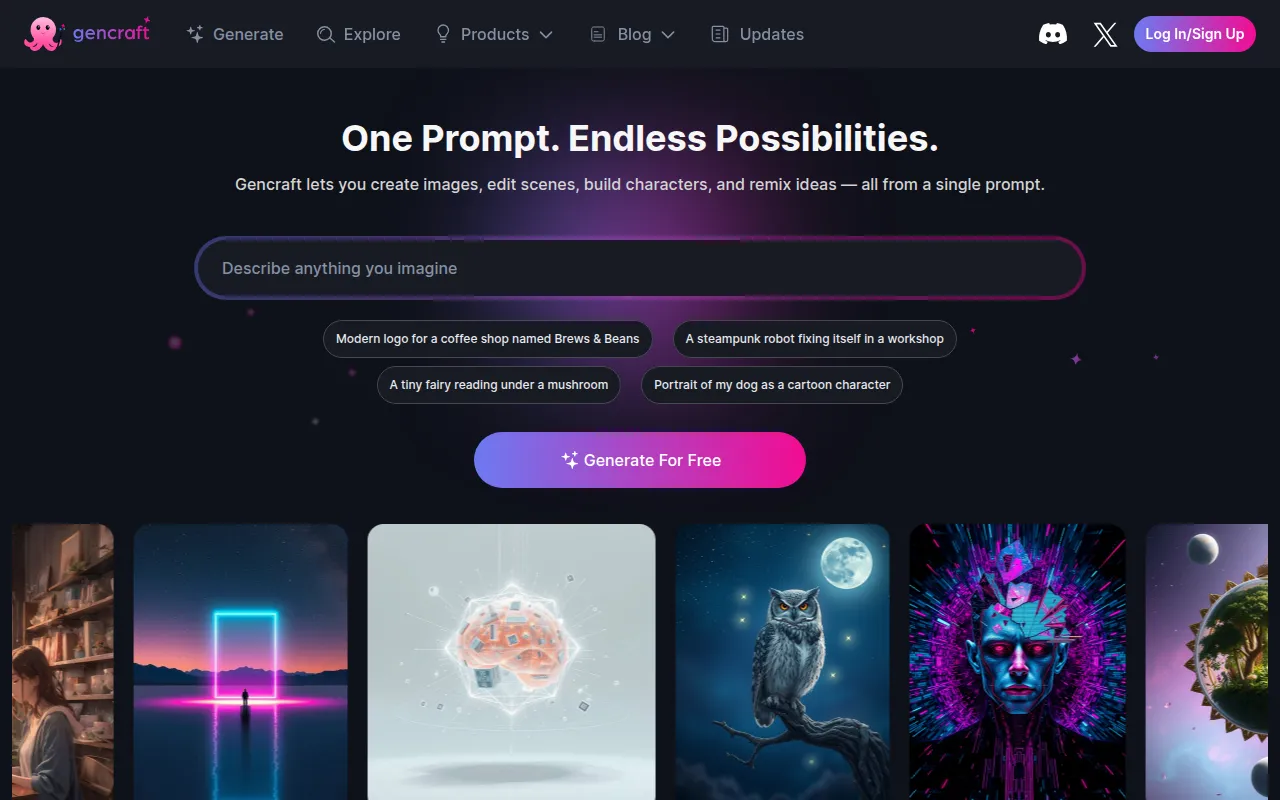
Gencraft is an AI image generator and editor designed to create visual content from text prompts. It provides tools for generating images, videos, and characters, which may be useful for those needing visual prototypes or brand assets.
The platform is geared toward designers, builders, and creative professionals. It supports workflows including text-to-image creation, Image-to-Image transformations, and the training of AI models using uploaded datasets.
Business users may utilize the tool for prototyping concepts and creating marketing visuals. Users on the Starter or Pro plans have the ability to use their generated images for commercial purposes.
Buyers should confirm which features are restricted to paid tiers, as certain capabilities like Image-to-Image are not available on the free plan.
Key Features
Text-to-Image Generation
Creates images and videos based on written text prompts.
Custom Model Training
Supports uploading up to 500 images to train an AI model based on a specific personal style.
Image-to-Image Transformation
Allows users to upload a photo and apply text prompts to remix the style or subject.
Magic Edit
Provides tools to edit specific elements within a generated scene.
PromptCraft
A tool designed to help users refine text prompts.
Character and Sketch Guides
Provides structural guidance to help maintain consistency in character design and layout.
Use Cases
Marketing Asset Creation
Generating brand visuals and product shots for promotional use.
Concept Prototyping
Visualizing product ideas and concepts.
Style Consistency
Training a custom model to help generated images adhere to a specific brand or artistic style.
Visual Remixing
Using the Image-to-Image feature to transform existing photos into different artistic styles.
FAQ
Can I use Gencraft images for business purposes?
- Yes, image creations generated under the Starter or Pro plans are eligible for commercial use.
Is there a free version of Gencraft?
- Gencraft offers a free tier, although some features like Image-to-Image are reserved for paid users.
How does the custom model training work?
- Users can upload up to 500 images to train an AI model that understands and replicates a specific visual style.
Source category: Marketing
Source subcategory: Image Generation
More tools in Marketing
Other published listings in the Marketing category.


More tools in the Image Generation software type
Related listings that share the same software type for comparison and shortlisting.


