AI TOOL PROFILE
Galileo FX: Automated Trading Software

- Finance and Accounting
- Trading Platform
- Retail Traders
- Trading Firms
Pricing
Paid licensing is available in Personal, Plus, and Pro tiers, distinguished by monthly profit caps. An optional VIP support package is available for €50/month.
At a glance
- Best for
- Retail Traders, Trading Firms
- Key use cases
- Strategy Automation, Risk-Controlled Trading, Multi-Market Diversification, Beginner Onboarding
- Integrations
- MetaTrader 4, MetaTrader 5
- Official website
- Visit Galileo FX official website
How AI is used
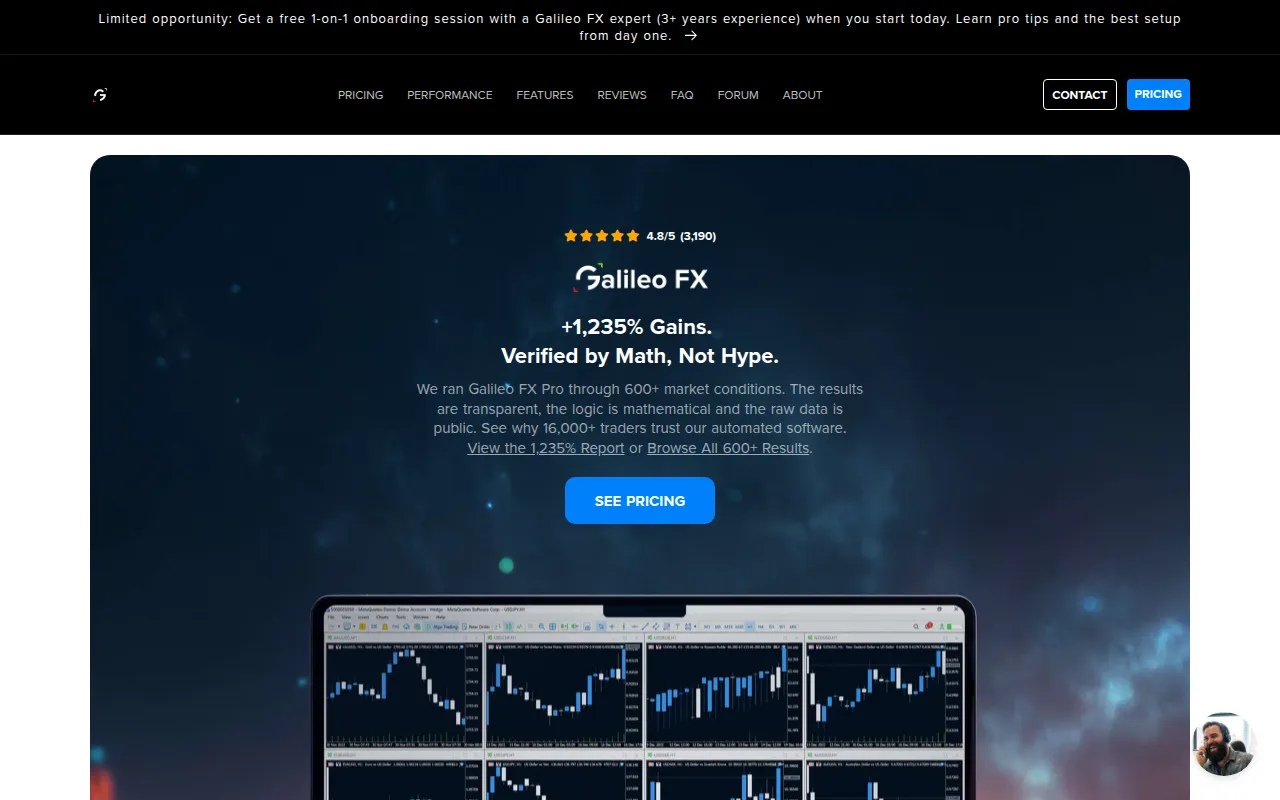
Galileo FX is a technical automation tool designed to execute trading strategies on the MetaTrader 4 and 5 platforms. It is intended for beginners and experienced traders who want to use rule-based automation across assets like Forex, stocks, crypto, and commodities.
The software provides over 600 pre-configured settings, allowing users to choose a style—such as slow, fast, or aggressive—or create their own parameters. It functions as an execution layer; it does not manage funds or provide financial advice, as capital remains in the user's own brokerage account.
Buyers should confirm they have a compatible MetaTrader setup and a regulated broker. Since trading involves risk of capital loss, the software supports a simulation mode to test configurations before moving to live accounts.
Buyers should confirm which license tier fits their expected monthly profit levels, as the Personal and Plus tiers have specific profit caps.
Key Features
Automated Execution
Executes trades based on user-defined strategies and technical indicators.
Pre-Configured Strategies
Includes over 600 ready-to-use trading settings across various asset pairs.
Risk Management Tools
Supports the configuration of stop-loss, take-profit limits, and maximum order limits.
Multi-Asset Support
Compatible with Forex, Stocks, Crypto, Indexes, Metals, and Commodities.
MetaTrader Compatibility
Designed to operate within MetaTrader 4 and MetaTrader 5 platforms.
Simulation Mode
Includes a demo account feature to test strategies with virtual funds.
Use Cases
Strategy Automation
Automating the execution of technical analysis strategies to reduce manual monitoring.
Risk-Controlled Trading
Using stop-loss and max-order settings to maintain discipline in trade execution.
Multi-Market Diversification
Running different automated strategies across multiple asset classes simultaneously.
Beginner Onboarding
Using demo accounts and pre-set configurations to learn automated trading workflows.
Integrations
- MetaTrader 4
- MetaTrader 5
FAQ
Does Galileo FX manage my trading funds?
- No, Galileo FX does not have access to your funds. All capital remains in your own account with your chosen broker.
Which license version should I choose?
- The Personal version caps at $1,000 in monthly profits, the Plus version allows up to $5,000, and the Pro version has no monthly earnings limit.
Can beginners use Galileo FX without coding experience?
- Yes, it is designed for users without coding experience and provides pre-configured settings and a simulation mode for practice.
Source category: Finance & Accounting
Source subcategory: Trading Platform
More tools in Finance & Accounting
Other published listings in the Finance & Accounting category.


More tools in the Trading Platform software type
Related listings that share the same software type for comparison and shortlisting.