AI TOOL PROFILE
DynaPictures: Automated Image Generation API and No-Code Tools

- Software Development
- Image Generation
- Performance marketers
- E-commerce store owners
- Software developers
- Digital agencies
- Event organizers
Pricing
Pricing starts at $0.003 per image. A Lite plan provides 250 images monthly, while Pro plans range from 2,000 to 200,000 images monthly. A free plan with 30 API credits is available.
At a glance
- Best for
- Performance marketers, E-commerce store owners, Software developers, Digital agencies, Event organizers
- Key use cases
- Social Media Automation, Personalized Email Marketing, E-commerce Product Visuals, Digital Certificate Generation, Event Marketing
- Integrations
- Zapier, Inxmail, Google Sheets, MS Excel, Pabbly
- Official website
- Visit DynaPictures official website
How AI is used
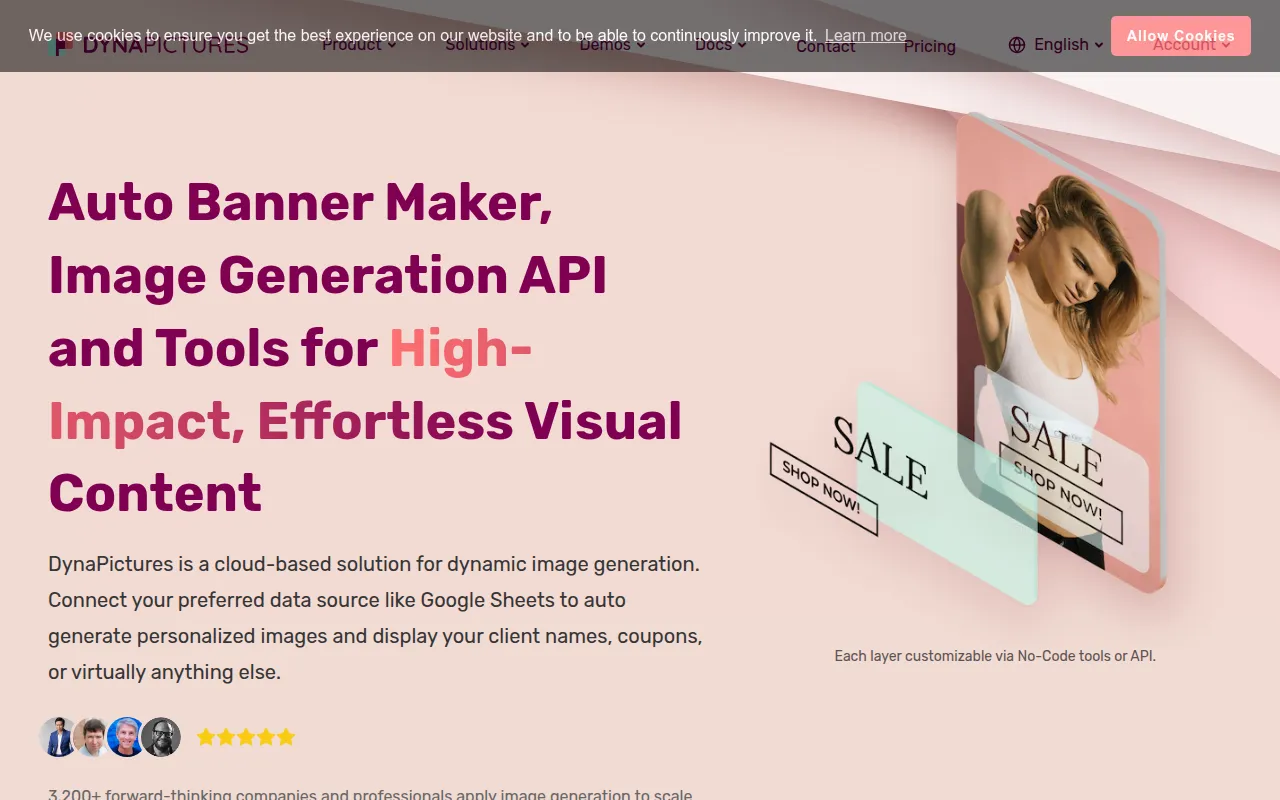
DynaPictures is a dynamic image generation platform that supports the automation of visual assets. Users can create a design template and then update text, images, or colors using various data sources, which supports the production of personalized content in bulk.
The tool is intended for marketers, e-commerce operators, and developers. It provides multiple methods to trigger image creation, including spreadsheet imports, URL parameters, a REST API, and no-code automation tools.
Businesses can use the platform to produce social media graphics, email campaign visuals, and digital certificates. It supports output formats including PNG, JPEG, WEBP, PDF, PPTX, and AVIF, with data stored on GDPR-compliant servers in Germany.
Buyers should confirm if their technical requirements align with the REST API documentation and whether the image credit limits of the Lite or Pro plans fit their monthly production volume.
Key Features
REST API & Webhooks
Supports programmatically generating images and receiving notifications when assets are created.
No-Code Integrations
Supports connecting to tools like Zapier, Pabbly, and Integrately to create automation workflows.
Spreadsheet Bulk Generation
Supports the mass creation of images by importing data from Google Sheets, MS Excel, or CSV files.
Image Generation Widget
An embeddable widget that allows end-users to customize and generate images directly on a website.
Template Editor
A system to create reusable design templates with customizable layers for text and imagery.
AI Text-to-Image
A beta feature that generates images from textual descriptions using AI prompts.
Smart Image Handling
Includes AI face detection for automatic positioning and smart cropping to fit containers.
Use Cases
Social Media Automation
Generating branded posts for Instagram, Facebook, and LinkedIn using spreadsheets.
Personalized Email Marketing
Creating dynamic images for email campaigns that may include recipient names or custom coupons.
E-commerce Product Visuals
Adding prices, discounts, and product names to catalog images for promotional banners.
Digital Certificate Generation
Producing personalized achievement certificates in PDF format for staff or event participants.
Event Marketing
Creating personalized speaker and attendee banners for conferences to support social sharing.
Integrations
- Zapier
- Inxmail
- Google Sheets
- MS Excel
- Pabbly
- Integrately
- Integromat
- Airtable
FAQ
Do I need a credit card to start using DynaPictures?
- No, a credit card is not required to sign up for the free plan or to start a 14-day free trial.
What file formats does DynaPictures support?
- The platform supports the generation of images in PNG, JPEG, WEBP, AVIF, as well as PDF and PPTX formats.
How does the bulk image generation work?
- Users create a design template and then connect a data source, such as a Google Sheet or CSV file, to generate images automatically based on the spreadsheet data.
Is the software suitable for developers?
- Yes, DynaPictures provides a REST API and documentation for developers to integrate image generation into their own applications.
Source category: Software Development
Source subcategory: Image Generation
More tools in Software Development
Other published listings in the Software Development category.


More tools in the Image Generation software type
Related listings that share the same software type for comparison and shortlisting.


