AI TOOL PROFILE
DbSchema: Database Design and Management Tool

- Software Development
- Database Management
- Software developers
- Database architects
- Database administrators
- Data analysts
- Database students
Pricing
DbSchema offers a free Community Edition and a paid Pro Edition with perpetual licenses starting at $98 or monthly subscriptions starting at $19.60. An AI subscription is available for $9/month.
At a glance
- Best for
- Software developers, Database architects, Database administrators, Data analysts, Database students
- Key use cases
- Collaborative Schema Design, Environment Deployment, Database Documentation, Visual Data Exploration
- Integrations
- Git
- Official website
- Visit dbschema official website
How AI is used
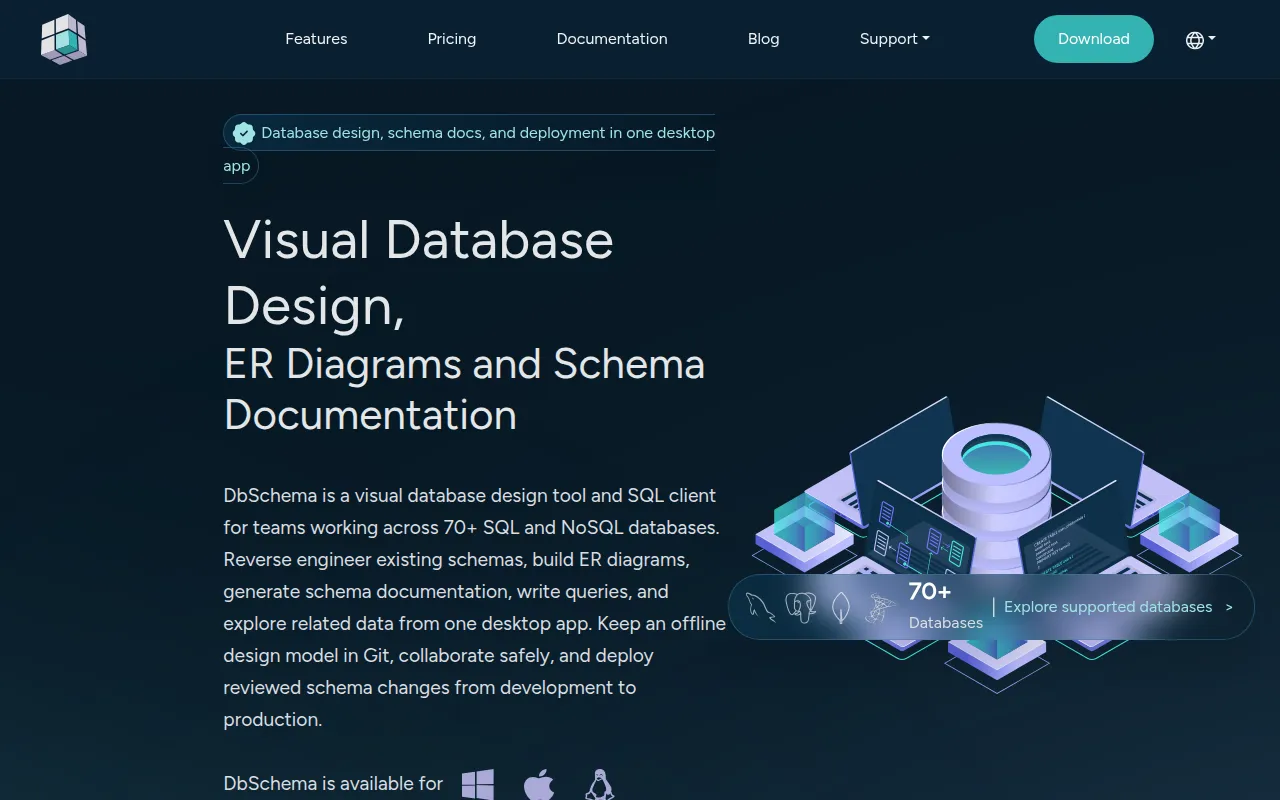
DbSchema is a desktop application designed for the visual design, documentation, and management of database schemas. It supports over 70 SQL and NoSQL databases, allowing users to reverse engineer existing schemas or design new ones using interactive ER diagrams.
The tool is built for roles including database administrators, software developers, and data analysts. It supports a workflow where design models are saved as files and managed via Git, which helps teams collaborate on changes while keeping data local to their organization.
Practical utility includes the ability to compare a design model against a live database to identify differences and generate migration scripts. It also includes tools for data exploration and a visual query builder.
Buyers should confirm whether the free Community Edition meets their needs for basic viewing and editing, or if the Pro Edition is required for features such as schema synchronization, logical design, and automated documentation generation.
Key Features
Visual ER Diagram Designer
Supports designing tables and relationships visually and creating multiple diagrams to manage complex schemas.
Schema Synchronization
Compares the design model with a live database to identify differences and generate SQL migration scripts.
AI Assistant
Helps with writing and optimizing SQL queries and designing new tables.
Git Integration
Supports version control for schema changes by allowing users to commit and push changes to Git repositories.
Visual Query Builder
Supports the creation of SQL queries through a drag-and-drop interface.
Data Generation
Populates tables with sample data using patterns and regular expressions for testing and demonstrations.
HTML5 Documentation
Generates interactive schema documentation with diagrams and tooltips for tables and columns.
Use Cases
Collaborative Schema Design
Designing database structures as a team using a shared design model synced via Git.
Environment Deployment
Moving schema updates across testing, development, and production environments using synchronization tools.
Database Documentation
Creating interactive HTML5 documents to help team members understand the database structure.
Visual Data Exploration
Browsing and editing relational data across multiple tables.
Integrations
- Git
FAQ
What is the difference between DbSchema Community and Pro?
- The Community Edition is free and supports schema reverse engineering and SQL editing. The Pro Edition includes logical design, schema synchronization, the visual query builder, and HTML5 documentation.
How does DbSchema handle team collaboration?
- DbSchema uses Git integration, allowing teams to save design models as files and manage changes through branches and commits within their own Git repositories.
Does DbSchema support non-SQL databases?
- Yes, it supports over 70 databases, including both SQL and NoSQL options like MongoDB, Cassandra, and Redis.
Source category: Software Development
Source subcategory: Database Management
More tools in Software Development
Other published listings in the Software Development category.


More tools in the Database Management software type
Related listings that share the same software type for comparison and shortlisting.