AI TOOL PROFILE
Aqua Data Studio: Database IDE and Management Tool

- Software Development
- Database
- Database Administrators
- SQL Developers
- Data Architects
- Data Analysts
Pricing
Standard annual licensing is $499 per user, and Enterprise Ultimate annual licensing is $699 per user.
At a glance
- Best for
- Database Administrators, SQL Developers, Data Architects, Data Analysts
- Key use cases
- Database Development, Database Administration, Data Analysis and BI, Architecture Planning
- Integrations
- Git, SVN, CVS, Perforce, Excel export
- Official website
- Visit aqua data studio official website
How AI is used
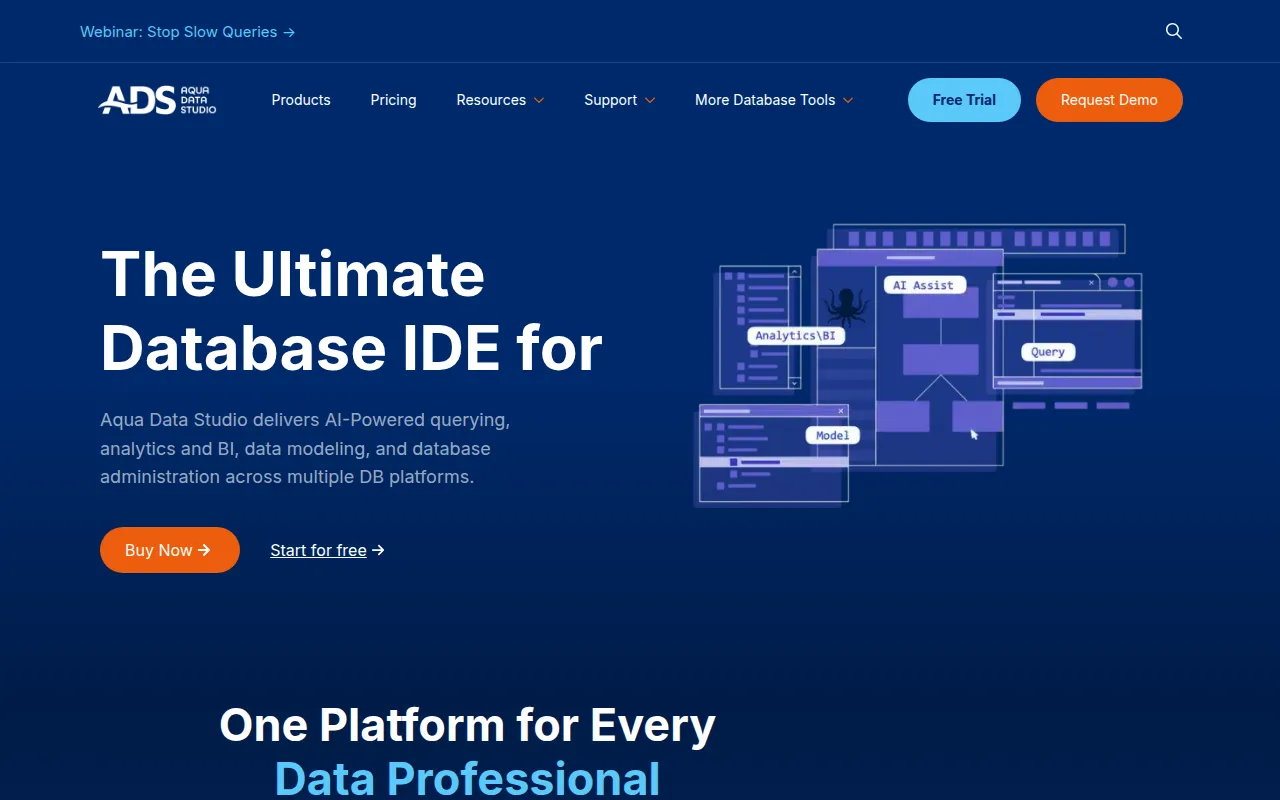
Aqua Data Studio is a multifunction integrated development environment (IDE) for database administrators, developers, and data analysts. It supports over 40 different database platforms on Windows, macOS, and Linux, allowing users to work with multiple data sources from one interface.
The tool includes technical capabilities such as SQL debugging, ER modeling, and schema comparison. For reporting, it provides visual analytics and charting tools that support statistical analysis with R.
Buyers should note that the tool is designed for technical users. Certain features, such as task scheduling and synthetic data generation, are available only in the Ultimate edition.
Key Features
Visual Query Builder
Allows users to construct database queries using a graphical interface to reduce manual SQL writing.
SQL Debugger
Supports tracing and debugging of stored procedures, functions, and packages for select platforms.
ER Modeling
Includes tools to create, manage, and reverse-engineer entity relationship diagrams.
Schema Comparison
Provides a graphical interface to compare and synchronize DDL of schema objects across different databases.
AI-Powered Querying
Includes NL Code Assist and NL Reporting to translate natural language descriptions into SQL commands.
Version Control Integration
Supports Git, SVN, CVS, and Perforce for managing SQL scripts and database files.
Use Cases
Database Development
Writing, debugging, and optimizing SQL and JSON queries.
Database Administration
Managing schema changes, performance tuning, and monitoring user roles and sessions.
Data Analysis and BI
Creating dashboards and visualizations from query results for business reporting.
Architecture Planning
Designing logical and physical data models and generating SQL scripts from those models.
Integrations
- Git
- SVN
- CVS
- Perforce
- Excel export
- PDF export
- HTML export
- Active Directory
- LDAP
FAQ
Which databases does Aqua Data Studio support?
- It supports over 40 relational and NoSQL platforms, including Oracle, SQL Server, MySQL, MongoDB, Snowflake, and Db2.
What is the difference between Standard and Ultimate editions?
- The Ultimate edition includes everything in Standard plus task scheduling for projects, secure synthetic data generation, and JSON import/export for MongoDB.
Does Aqua Data Studio have AI capabilities?
- Yes, it includes AI-powered querying features such as NL Code Assist and NL Reporting to translate natural language into SQL.
Source category: Software Development
Source subcategory: Database
More tools in Software Development
Other published listings in the Software Development category.


More tools in the Database software type
Related listings that share the same software type for comparison and shortlisting.